Sample Templates

We’ve provided sample templates you can download and import into your Spectra or Stratus Desktop software. Click Download and save the zip file to your hard drive, then unzip it. In Spectra or Stratus Desktop, go to Tools > Design Tools > Digital Template Builder, click Import on the ribbon, browse to the unzipped template files, select the template(s) you wish to import, and click Open.

Print Layouts

Multi-image sheet products allow you to create the sheets right in the software. This includes 2-5×7’s, 4-4×6’s, 4-4×5’s, and 8-wallet configurations.

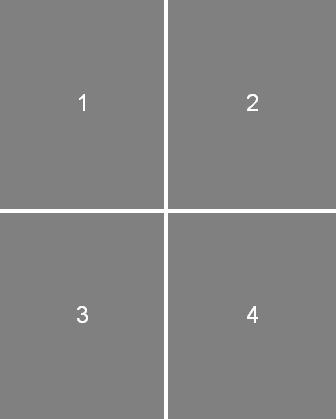
2-5x7 sheet template 4-4x5 sheet template 8-wallet sheet template

Download sheets

Panels

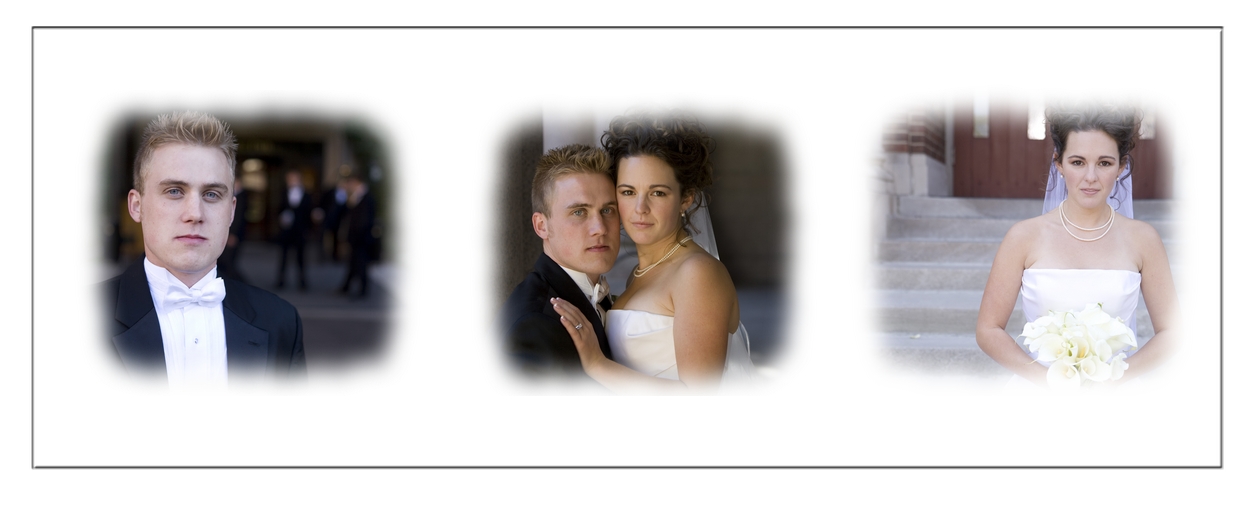
Use portrait panels to show your client how their images look in different layouts. It’s easy to create these in Photoshop. Here are some provided by X-treme Imaging — David Huntsman Photography and Jessica Vogel Photography — that you can start using right away.
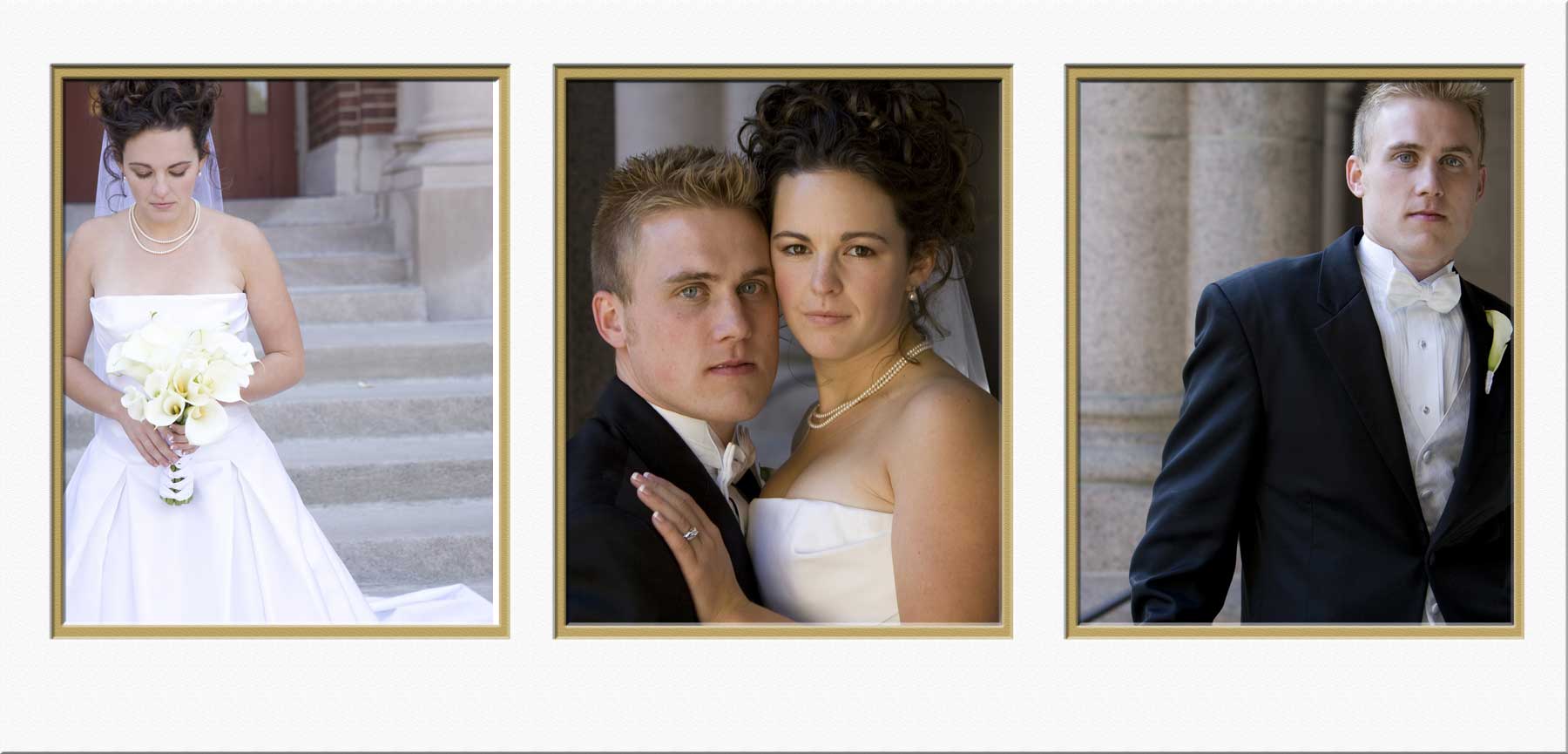
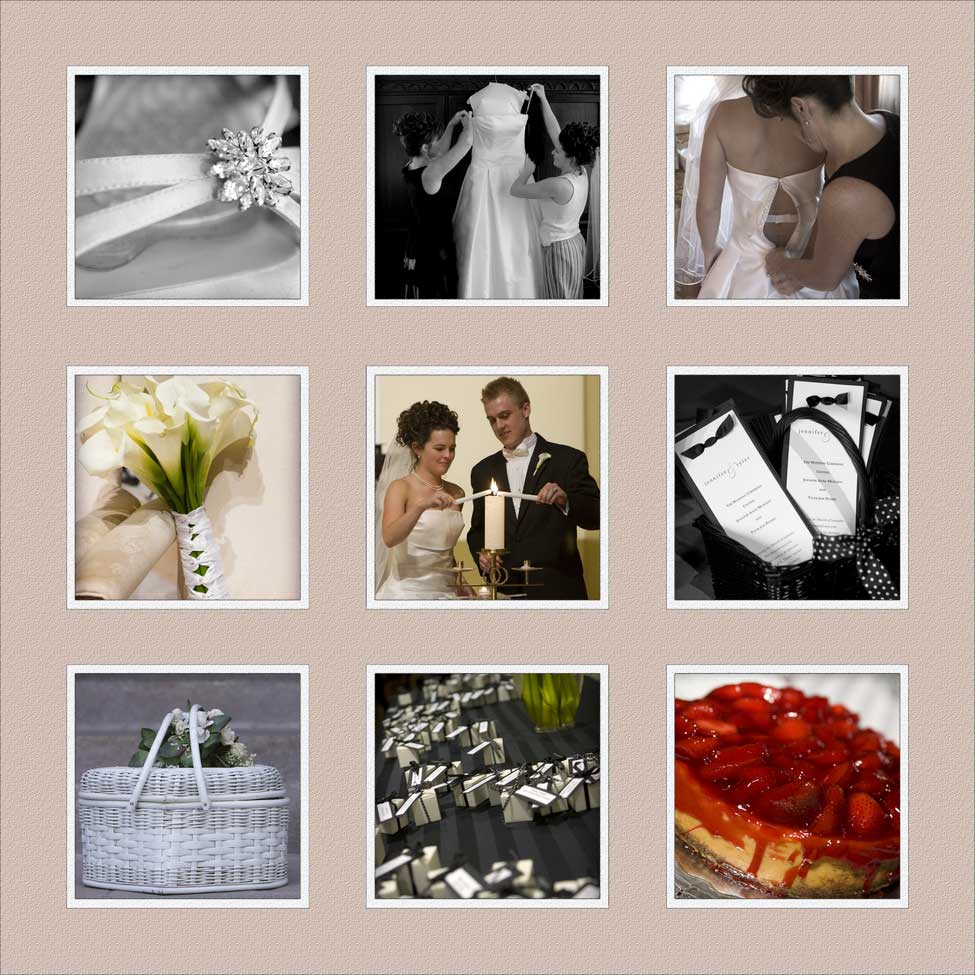
3-up 8x10 panel template 9-up panel template 3-image 5x4 panel template

Download sample panels

Rooms

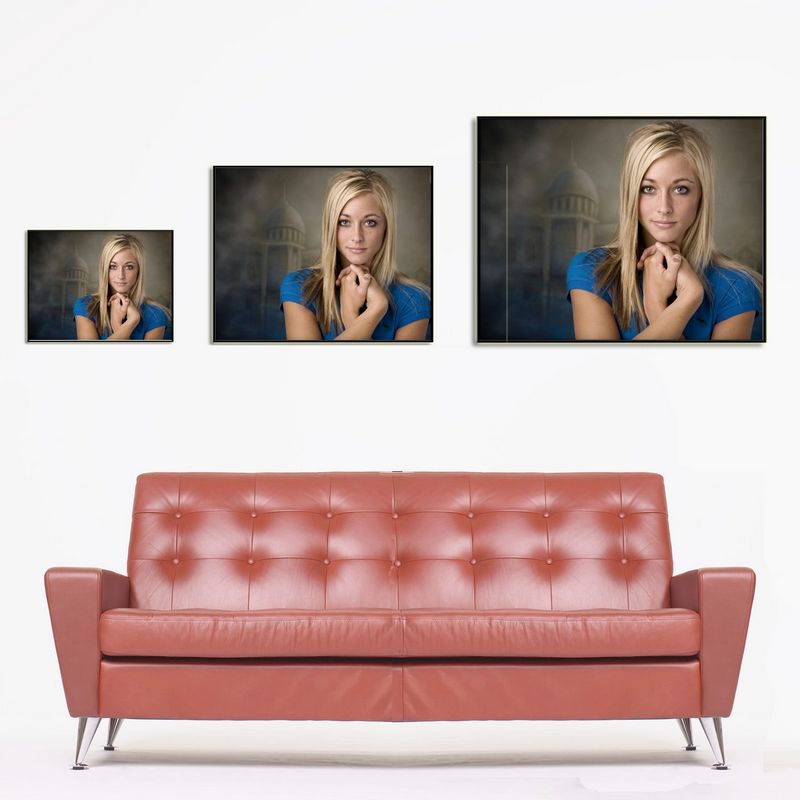
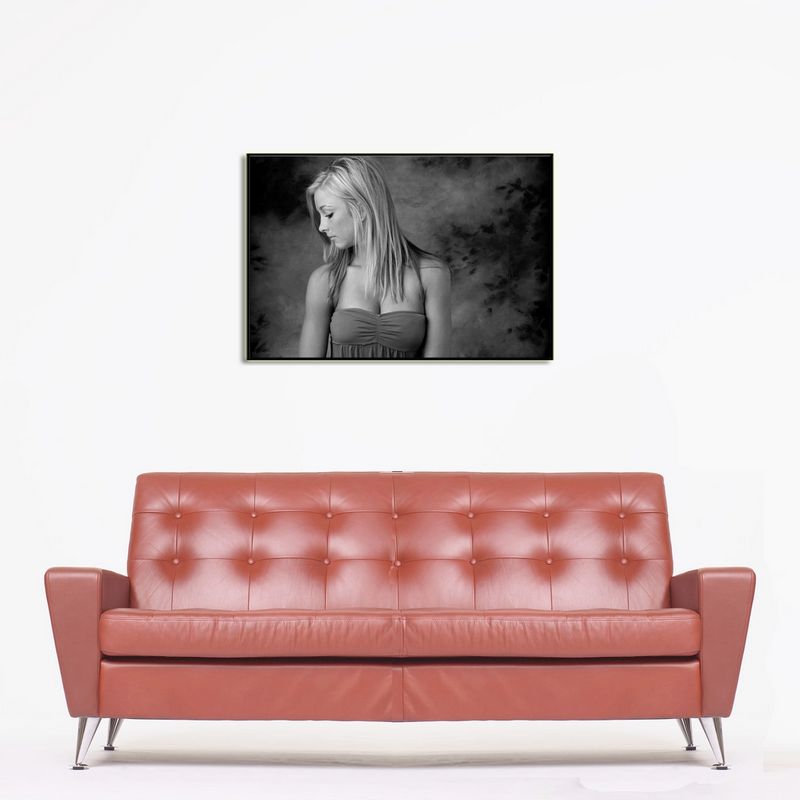
These sample room layouts show the relative size of wall portraits hanging over a couch or mantel, including individual 11×14, 16×20, 20×30, as well as all three sizes on one.
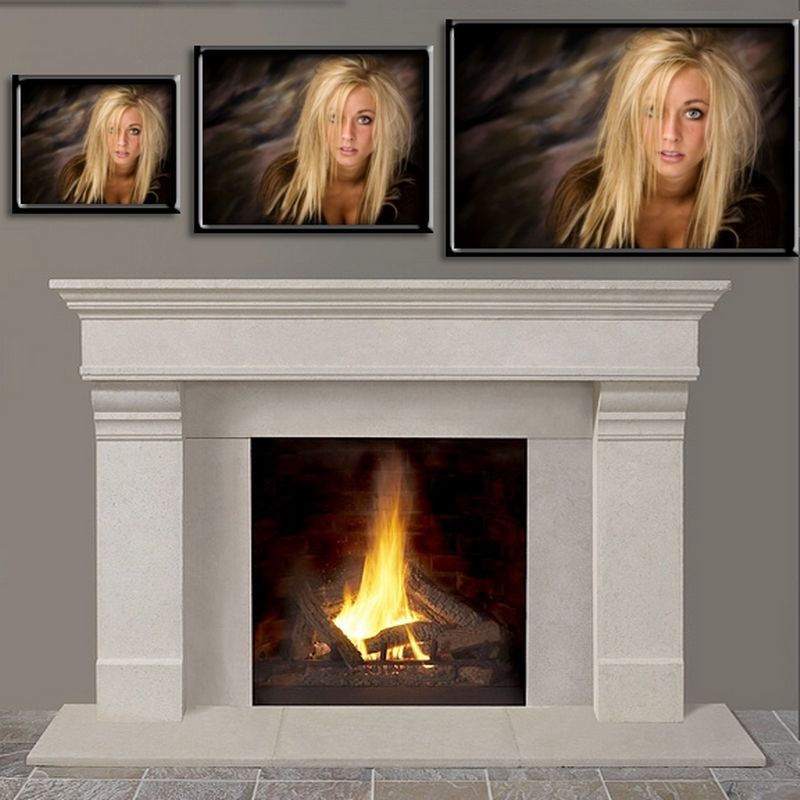
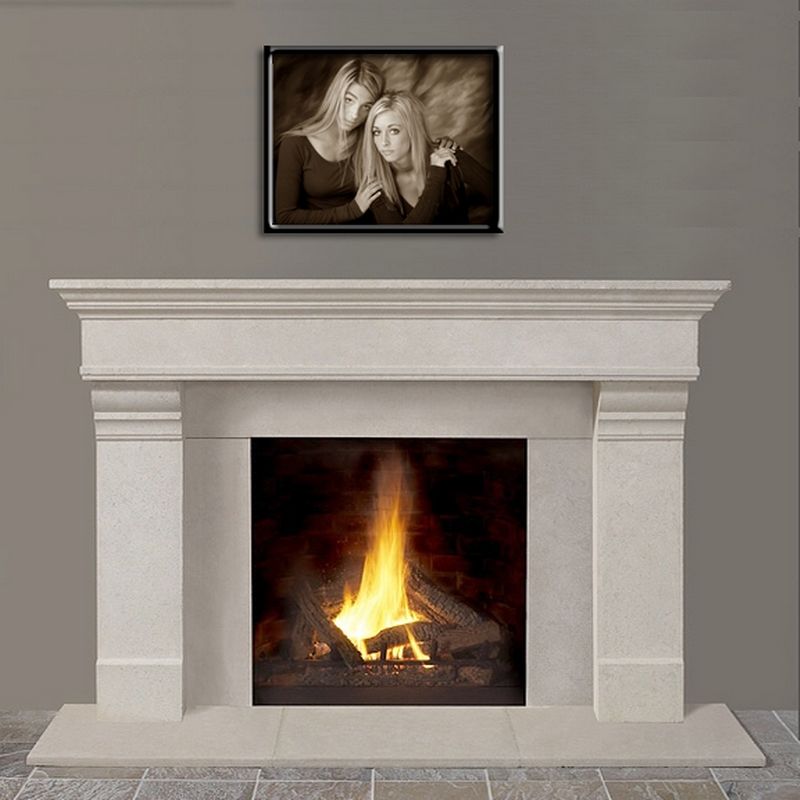
Mantel 3-up room template Mantel 16x20 room template Red couch 3-up room template Red couch 20x30 room template

Download sample rooms

Mounts

A catalog of mount designs for framed prints, ready to import into the composite template designer.

Download mounts

More coming soon… If you have templates you would like to share, or frame or album manufacturers you would like to see incorporated into the software’s composite templates, please email us at info@studioplussoftware.com.