
#
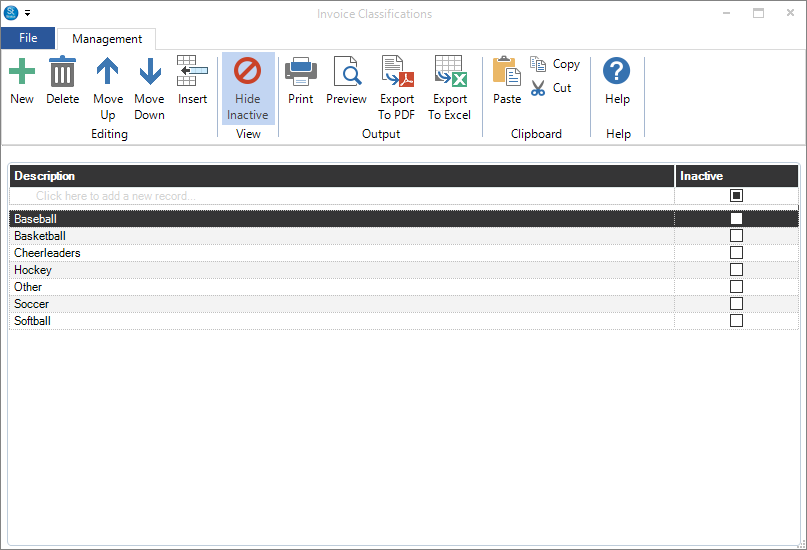
Invoice Classifications are used to help you track invoices in a way that suits your studio. The invoice types in Stratus cannot be changed because they each have a unique function as described below, but you can create your own classifications. Go to Maintenance > Invoice > Invoice Classifications.
#
The 6 Invoice Types #
There are a total of six invoice types in Stratus, each with its own unique functionality. Invoice types CANNOT be customized. Note: The kind of invoice you are creating — session, client or quick sale — will determine which invoice types are available. Here’s a brief description of the six types:
-
Session Fee – Used to invoice the client for the fees pertaining to shooting a session. When printing an invoice for session fees, the invoice is printed as a session confirmation, providing the client with additional session information such as session date, time, and scheduled resources. Choosing this type provides specific session data for sales reports.
-
Initial Order – Used for the first order of products the client is purchasing from a session. Choosing this type provides key data for sales reports.
-
Re-Order – Used for any additional product orders from a session. Choosing this type provides key data for sales reports.
-
Generic – Used when you charge a client for fees or products that are not related to a session.
-
Estimate – Provides a client with an estimate for products or services. Note: An estimate may be related to a client or a session (see chart below). Estimates can be converted to invoices — client estimate to client invoice, and session estimate to session invoice. Estimates are not included in your sales reports.
-
Credit Memo – Used to give your client a credit for any reason. It can also be used to correct an invoice that may have been posted in error.