#
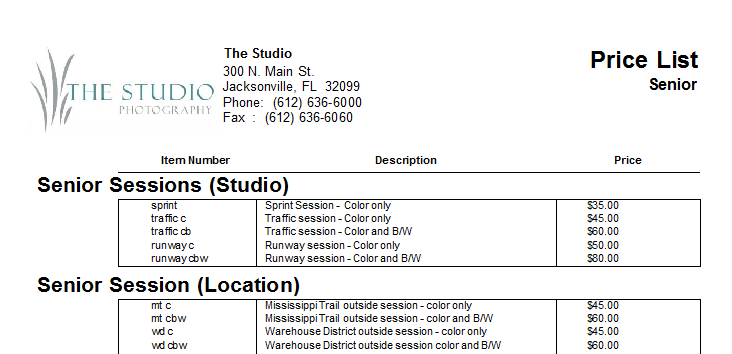
Use this report to print a list of all items in a specific price list. The report includes the item identifier, description, and price for each item. Items are grouped by the item group.
Printing a Price List #
-
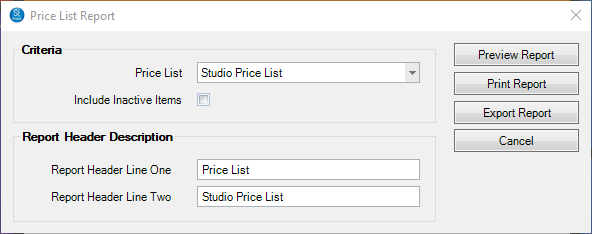
Go to Reports > Lists and Labels > Price List Report.
-
Select the Price List type from the drop-down box.
-
Check the box if you want to Include Inactive Items.
-
Then type in or modify the Report Header Description.
-
Then click Preview Report to see a preview.
-
You can print the report or export it.