#
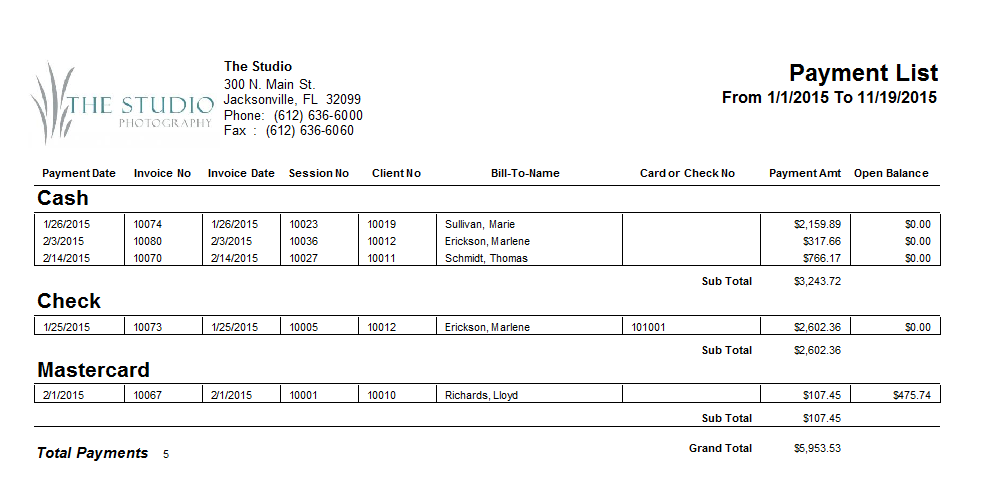
Use the Payment List Report to produce a list of payments made during a specific date range or for a predefined filter 
 . The list includes payment date, invoice number, invoice date, session number, client number, bill-to name, credit card or check number, payment amount, and current open balances. Payments can be grouped by payment method. Totals are also provided at the end of the report.
Printing a Payment List #
-
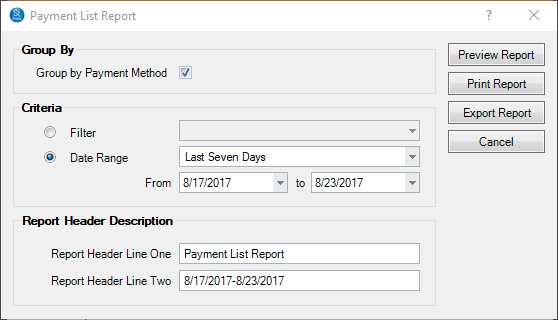
Go to Reports > Lists and Labels > Payment List Report.
-
Select the Criteria for the report, either based on Filter or Payment Date.
-
Then enter or modify the Report Header Description.
-
Then click Preview Report to see a preview.
-
You can print the report or export it.