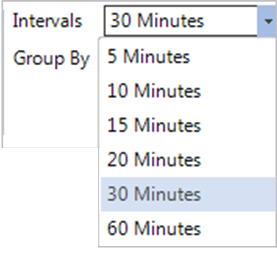
Use the following options to change the calendar view:
-
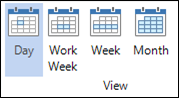
Use the Day, Week, Work Week, and Month buttons on the ribbon to change how the large calendar is displayed. Each individual user can set up a default calendar view by going to Maintenance > Preferences > User Preferences > General tab > Default Calendar View. See User Preferences for more information.
-
Making a selection from the Time Interval drop-down list on the ribbon to adjust the time increments on the “Day” view.