
   |
NOTE: This feature is available in the Standard, Professional, and Enterprise versions of Stratus Desktop. |
This can be useful for Business Headshots if the Bill-To Client needs a session reminder.
- Create either a form letter or HTML email based on Invoices. For more info on Form Letters or HTML Emails, follow the links
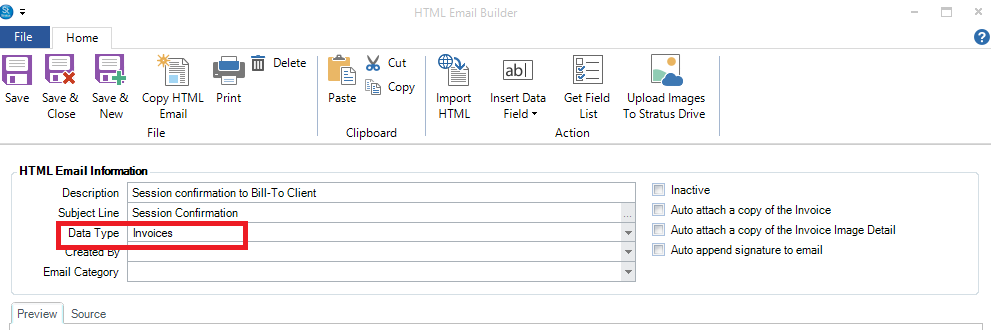
- Insert the Data Field: Client First Name if you like – it will use the Bill to Client’s First Name
- If you want to include the Session Date and Time, use the Insert Data Field to add that, as well as any other info you’d like to include
- Now create a client record for the person you will be shooting, or you can do it directly via the Bill-To Client portion of the Invoice. This allows you to send Marketing to this person, even though the Session is not booked on this record
- Book the Session on the Business or Event that is hosting the shoot
- Add the Invoice to the Session record, and set the Bill-To Client to the person you’re shooting
- Save the Invoice (not Save and Close)
- Go to Communication tab, New Email
- Select the Form Letter or HTML email you created in 1 above
- It will prompt you “Do you want to send this email to the Bill-To Client instead of the Session Client” – select yes