
  |
NOTE: This feature is available in the Professional and Enterprise versions of Stratus Desktop. |
Use this report to reconcile your Customer Deposit liability account in your accounting software with Stratus for cash-basis accounting methods. This report includes outstanding customer deposits that have not been applied to an invoice, as well as posted payments that have been applied to invoices that have not yet been posted. Please Note: a payment must be posted in order to be applied to this report, and posted invoices do not apply to this report.
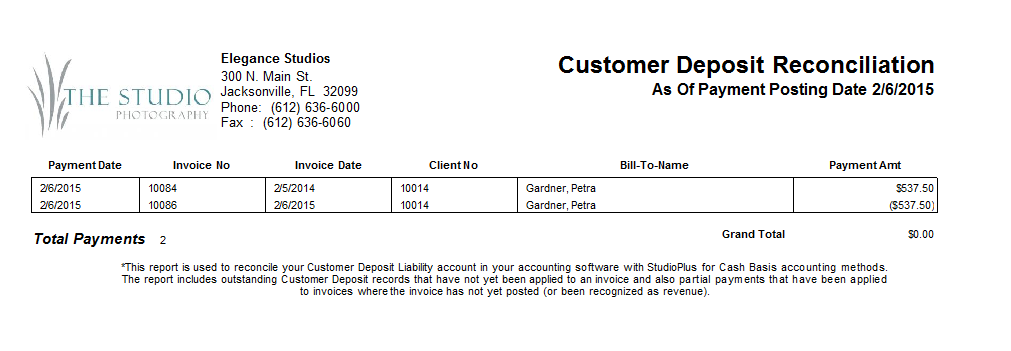
Running a Customer Deposit Reconciliation Report #
Follow these steps to create the report:
-
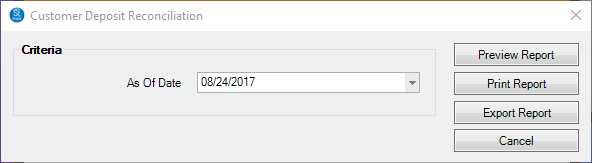
Go to Reports > Customer Deposit Reconciliation Report.
-
Select the date.
-
Preview, Print, or Export the report.
-
Close the window when finished.
See also: Customer Deposits and Accounting