
#
  |
NOTE: This feature is available in the Professional and Enterprise versions of Stratus Desktop. |
Use yearbook statuses to track the status of a yearbook selection (i.e., “YB selected,” “YB prepared,” or “YB sent”). See also: Yearbook Workflow and CDs
Setting up Yearbook Statuses #
-
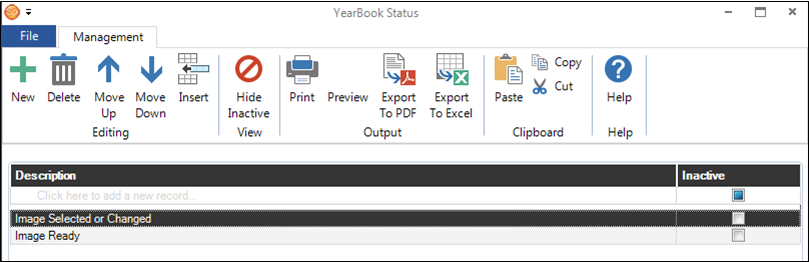
Go to Maintenance > Session > Yearbook Statuses to open your list of yearbook statuses.
-
Add a status in the first row of the grid or by clicking New on the ribbon.
-
Close the list when finished.
Assigning Yearbook Statuses #
Yearbook statuses can be automatically assigned when a yearbook selection has been made. Set up this option on the Organization page in Company (Studio) Preferences. See also: Company (Studio) Preferences – Organizations