#
  |
NOTE: This feature is available in the Professional and Enterprise versions of Stratus Desktop. |
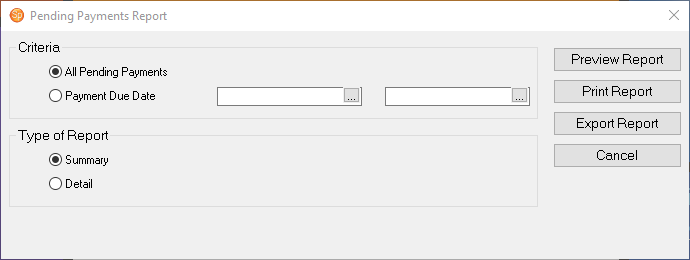
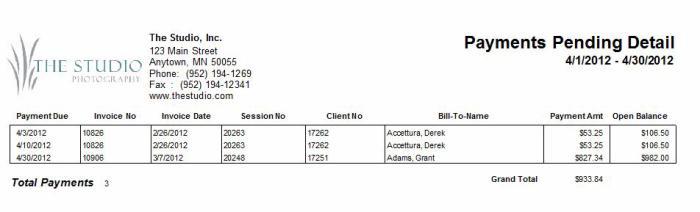
Use the Pending Payments List to see all pending payments or just those that are due in a specific date range. The list includes scheduled payments, whether overdue or pending. Note: The report will not include invoices with outstanding balances if no payment has been created.
Printing a Pending Payments List #
-
Go to Reports > Lists and Labels > Payments Pending List.
-
Select the Criteria for the report, either All Pending Payments or Payment Due Date.
-
Then select the report type, either Summary or Detail.
-
Click Preview Report to see a preview.
-
You can then choose to print the report or export it.