
#
   |
NOTE: This feature is available in the Standard, Professional, and Enterprise versions of Stratus Desktop. |
The Data Entry Validation options in Stratus Desktop allow you to select which fields require validation when entering data. You can select any field from the list on the left side of the screen – fields from client, invoice,
production order, phone call, task, and session records – and choose a Validation
Option. Go to Maintenance > General (Studio) > Data Entry Validations.
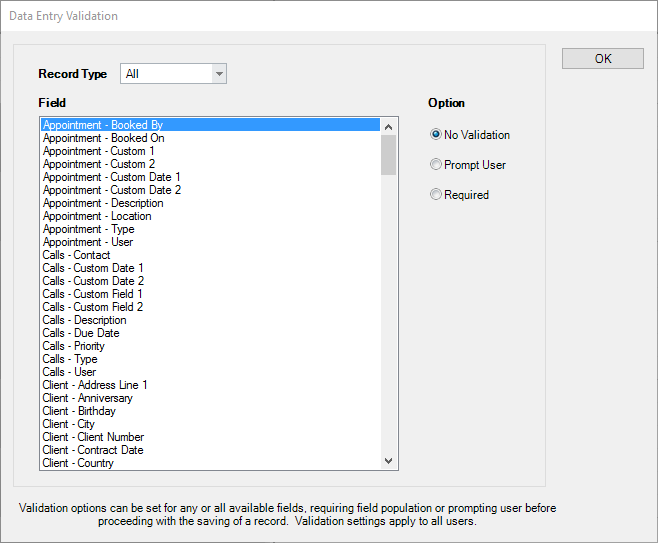
Validation options include:
-
No Validation – Allows fields to be left blank.
-
Prompt User – User will be prompted that the field is blank but will be allowed to continue.
-
Required – User will not be allowed to continue without entering something into the field.
Validation is performed when you click Next during wizards, and also when you attempt to save an open record. Validation rules apply to all studio users.
If a wizard page containing fields requiring validation has been hidden in the Wizard Builder, the user will not be prompted or required to enter that information.