
  |
NOTE: This feature is available in the Professional and Enterprise versions of Stratus Desktop. |
Follow these steps to create a reorder to replace an item that is damaged, defective, or was not printed up to standards.
-
Open the original invoice.
-
Click the Production Order drop-down on the ribbon and choose Reorder.

-
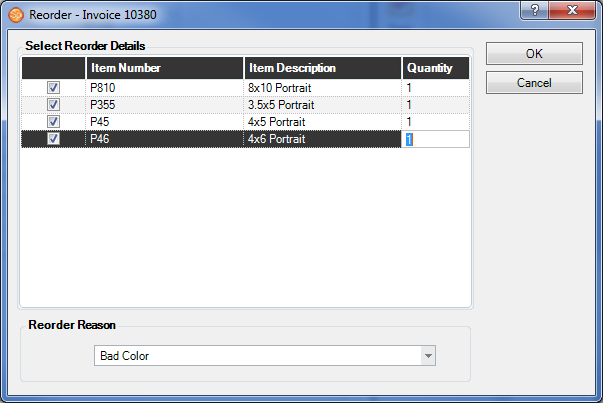
Choose the items that should be reordered.
-
Choose one of your Reorder Reasons. See also: Reorder Reasons
-
Click OK.
-
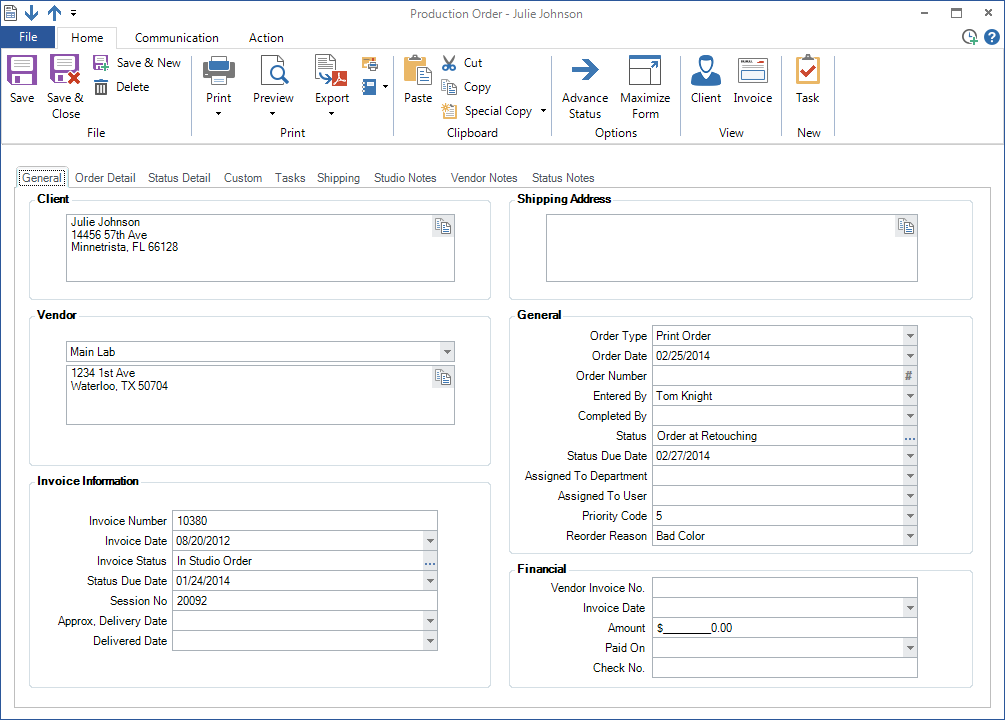
The software will create a new production order with the original vendor and order details included. The Reorder Reason you selected is also listed.
-
Modify as necessary and click Save when done.
-
Proceed as you would with any other production order.