#
   |
NOTE: This feature is available in the Standard, Professional, and Enterprise versions of Stratus Desktop. |
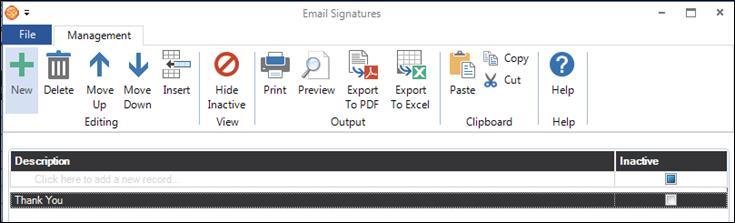
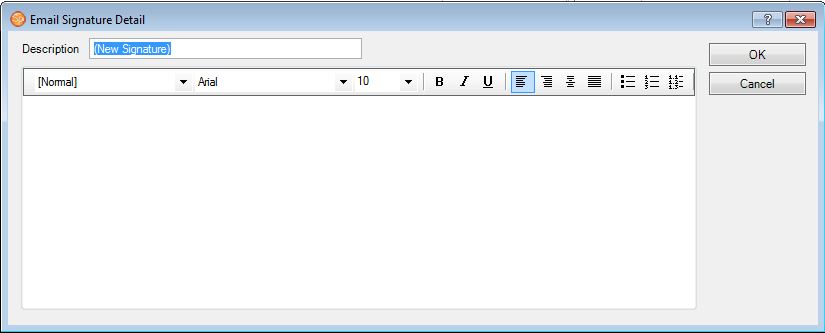
Create Email Signatures to be used on your emails.Go to Maintenance > Communication > Email Signatures. Click New to add an email signature and then type in basic information and/or cut and paste graphics, such as your logo, into the signature.
If you’ve already designed an email signature that you are using in another email program, you can easily copy that signature into Stratus. First, open an existing email containing your current signature (i.e., in Outlook, etc.). Then highlight the signature and copy it using Ctrl+C. In Stratus, use Ctrl+V to paste the signature into a new email signature you’ve added in Maintenance > Communication > Email Signatures and save it!
Create multiple signatures and then set up default signatures at the studio level (Maintenance > Preferences > Company (Studio) Preferences > Miscellaneous) and the user level (Maintenance > Preferences > User Preferences > Email). Note: Any user signature will take precedence over the studio signature.
See also: Company (Studio) Preferences – Miscellaneous and User Preferences