|
NOTE: This feature is available in the Professional and Enterprise versions of Stratus Desktop. |
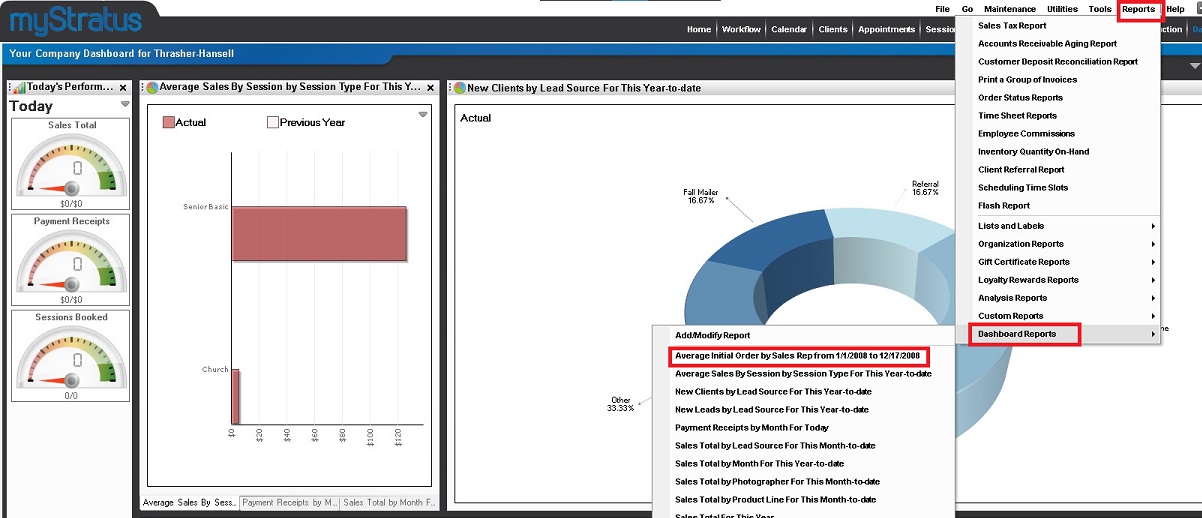
To delete a Dashboard Report, go to Repots > Dashboard Reports and select the report to be deleted.
Once the report opens, click on the Saved Properties icon in the ribbon.

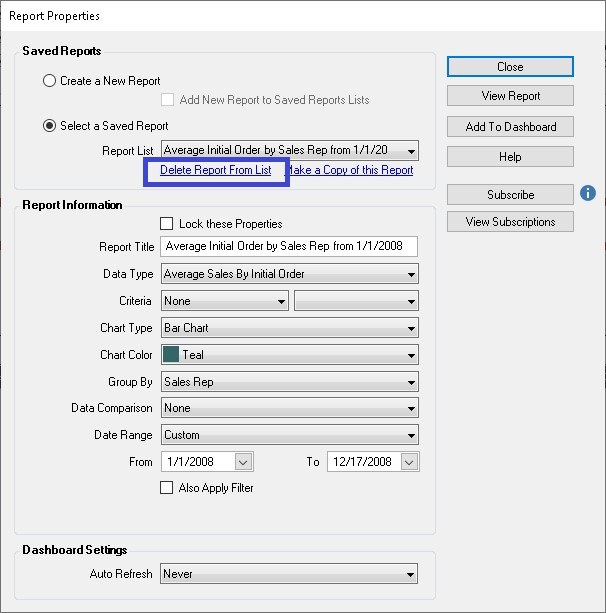
Click the blue Delete Report From List link.