
To change an estimate to an invoice, use the following steps.
-
Open the estimate you wish to change. See also: Finding an Invoice
-
Use the down arrow to the right of Estimate Type to select the new invoice type you would like it to be. Note: There will be different options available depending on whether the estimate is client-based or session-based. A client-based estimate cannot become a session-based invoice.
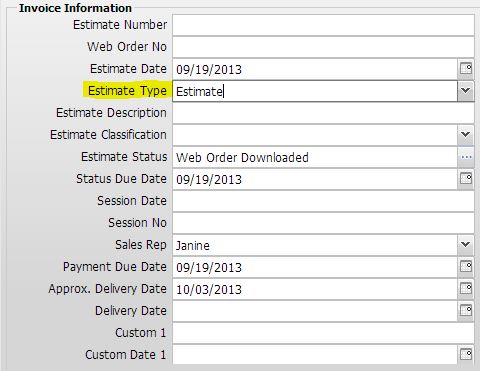
-
Click Save & Close to save the invoice.