
Manually Creating a Task #
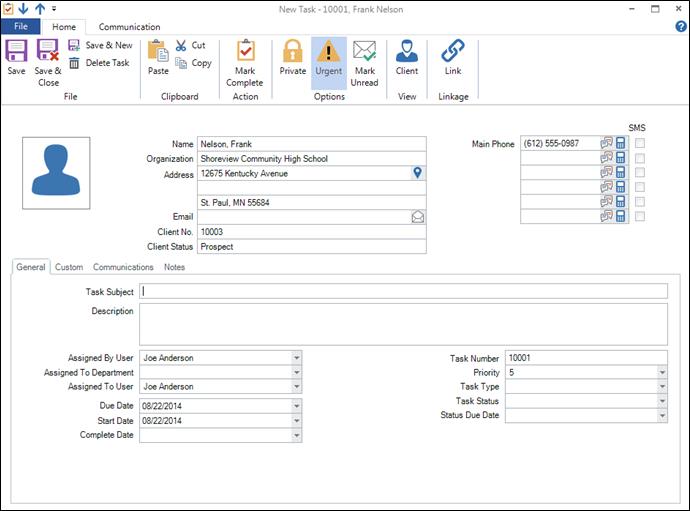
To manually create a new task, click File > New > Task (or Ctrl+D) from any hub, or click the Task icon in the New group on the ribbon. This opens a new task. Tasks may be assigned to a department and/or user, linked to a client, session, invoice, production order, or email, and marked as private or urgent. For a complete description, see Features of the Task Record.
Automatically Creating Tasks #
There are several ways you can use the software to automatically create tasks. Tasks can be generated with any type of trigger you create, as well as automatically during your InSpiredByYou sync process. For more information about generating tasks with triggers, see Triggers. For information about InSpiredByYou auto tasks, see the “Tasks Tab” section in Setting up InSpiredByYou.