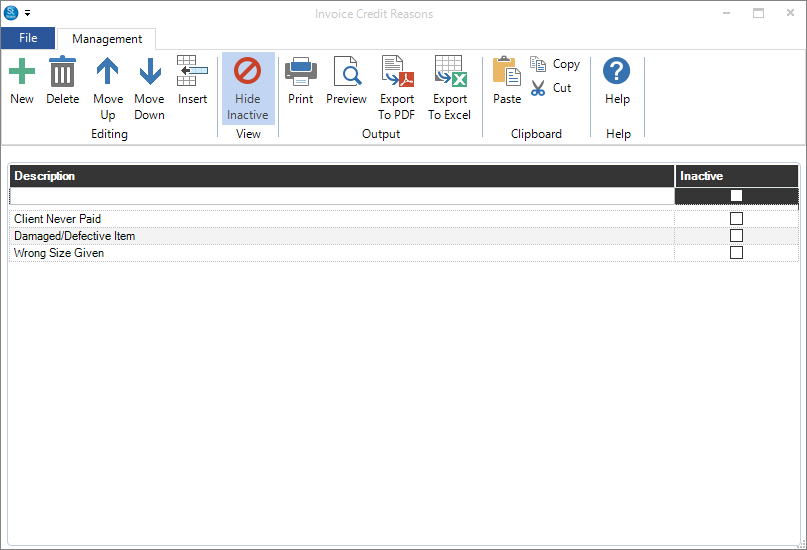
Found at Maintenance > Invoice > Invoice Credit Reasons, this menu allows you to enter reasons why an invoice or specific items in an invoice are being credited. Either click the + type in the credit reason under Description and press the Enter key to save a new credit reason. See Creating a Refund for more information.