|
NOTE: This feature is available in the Professional and Enterprise versions of Stratus Desktop. |
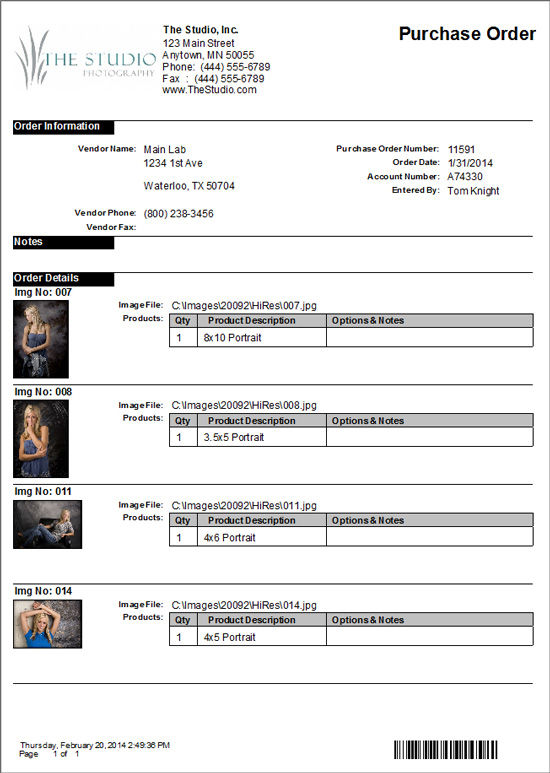
Use purchase orders to place orders from your external vendors. For internal orders, you may want to use a work order instead. A work order contains additional information, such as the client’s name, address, and any in-house notes. See also: Printing a Work Order
Follow these steps to print a purchase order:
-
Open the production (or preproduction) order.
-
On the ribbon, click the down arrow under Preview and choose Purchase Order. A preview will be displayed.
-
Use the Print or Export options on the ribbon to print the purchase order or export a PDF for emailing.