#
Using Lightroom Metadata Presets, you can organize your client’s images in Stratus Desktop according to ratings, labels, and keywords that were assigned to the images in Lightroom before being exported. See also: Lightroom Integration
Setting up your presets in Stratus Desktop is a two-step process, involving two maintenance lists. The first step is to simply create one or more presets by entering the preset names in Lightroom Metadata Presets. The second step is to define the details of each preset in Lightroom Metadata Preset Details.
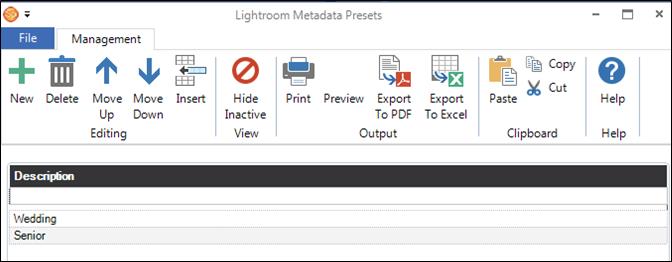
Start by opening Maintenance > Digital > Lightroom Metadata Presets.
-
To add a new metadata preset, click once in the blank row and then type the name of the new preset.
-
Use the tools on the ribbon to rearrange the list and to delete or hide presets.
-
When done creating the preset(s), close this window and open Maintenance > Digital > Lightroom Metadata Preset Details.