
#
   |
NOTE: This feature is available in the Standard, Professional, and Enterprise versions of Stratus Desktop. |
Use this tab to set up company-wide settings for outgoing email.
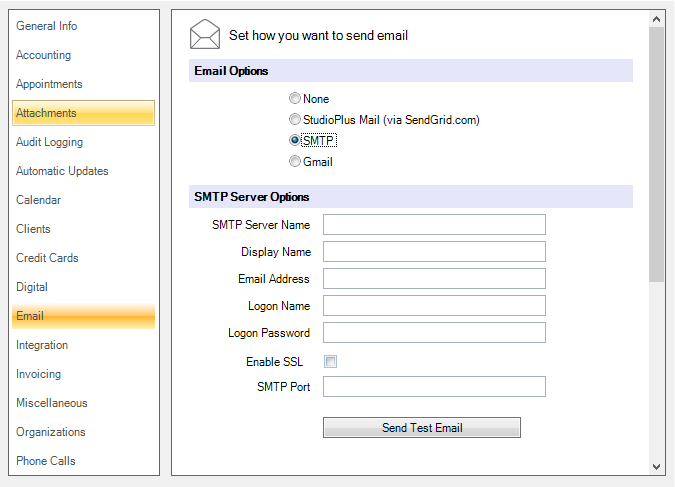
Email Options #
-
StudioPlus Mail – Choose this setting to enable the StudioPlus Mail service for your outgoing email. For more information about this service, refer to StudioPlus Mail Overview.
-
SMTP – Make sure you have the exact name of the SMTP server (for outgoing email). The software also supports SSL security and another SMTP port if it is needed. Note: The SMTP settings are available from your Internet (email) provider.
-
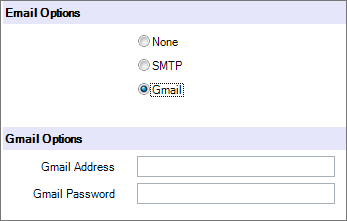
Gmail – Enter the Gmail email address and password.
See Setting up Email for specific instructions.