
This is the final step to ensure that all Session Images were imported into the appropriate Session. As detailed here, provided you advanced the status of the Session, this is super easy.
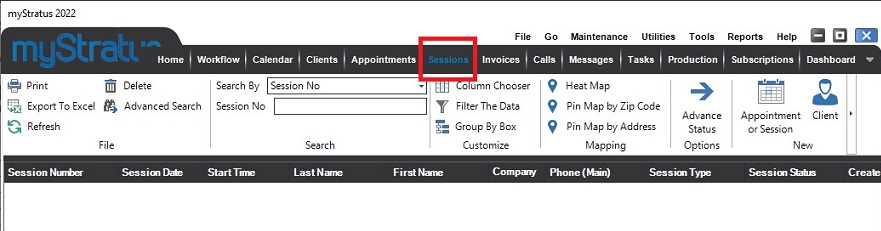
1. Go to the Session Hub
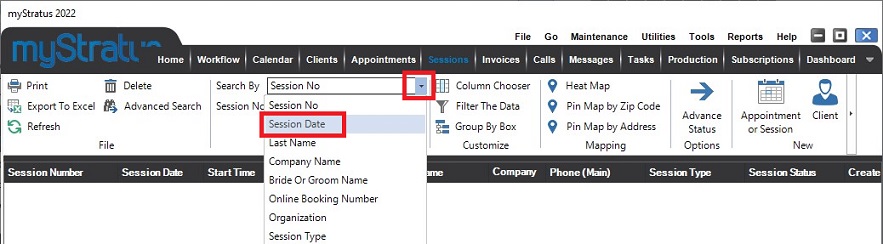
2. Change the Search By to whatever you used in the Bulk Image Importer, in this case, we used Session Date
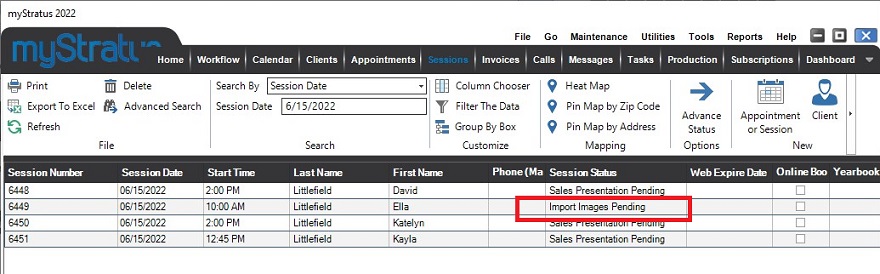
4. If you see a session with a session status that was not advanced, there were no images imported. The images were imported to the previous session folder and will need to be moved manually