
After searching for clients, you can view all the information found on client records, add or modify that info.
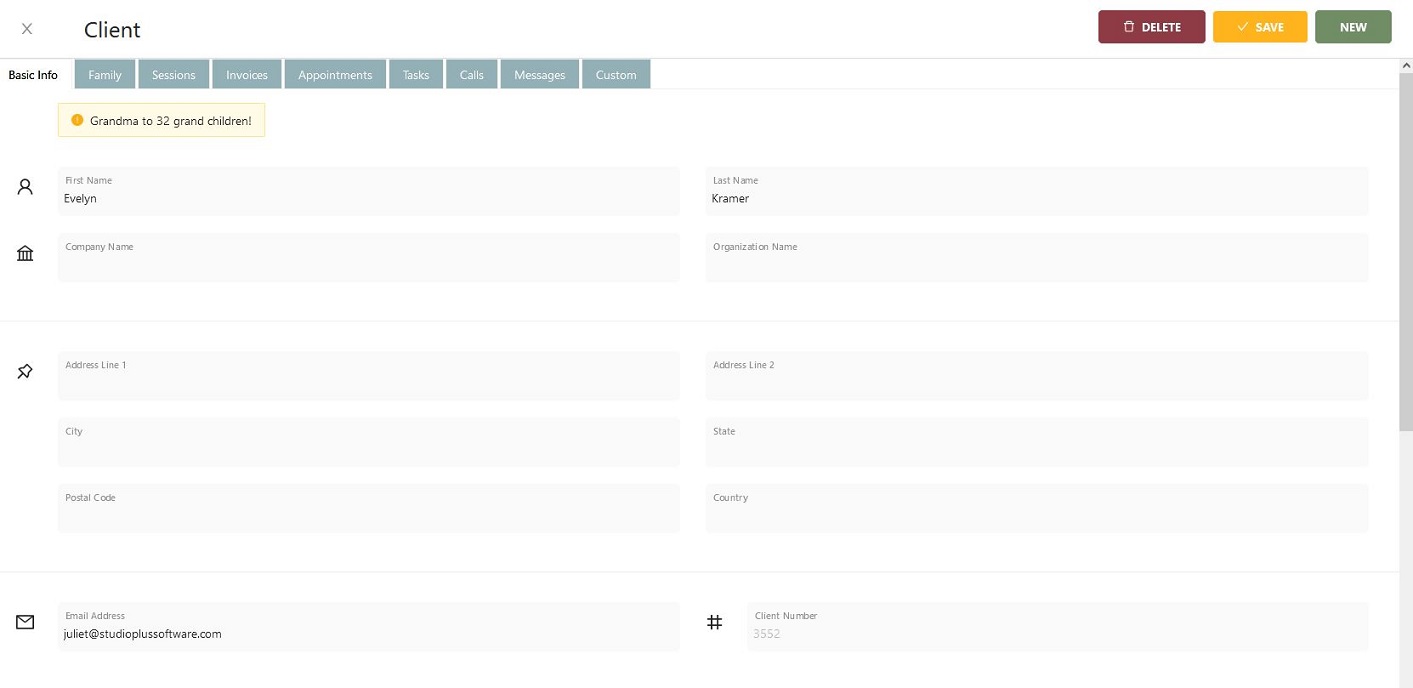
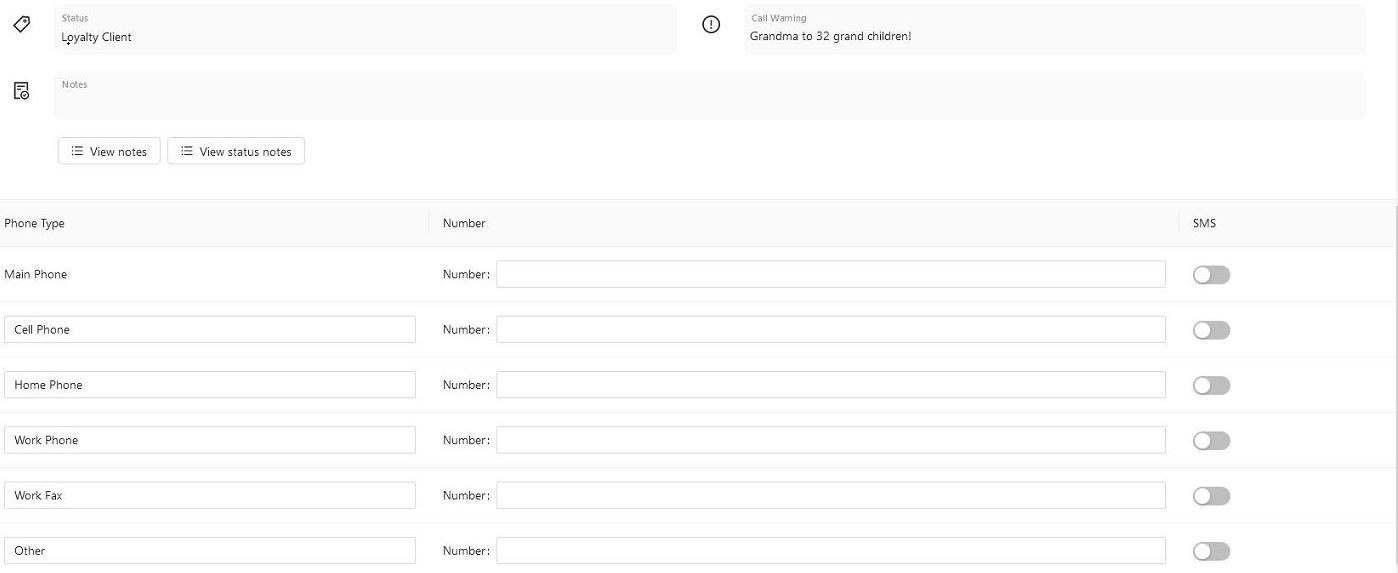
Basic Info: Shows the basic info about the client. Including name, address, phone numbers and email addresses, and allows you to update as necessary. For more information on client records, click here.
Family: Shows all Family members and allows you to update or add as necessary. For more information on family members, click here.
Sessions: Shows all Upcoming and Past Sessions. For more information on sessions, click here.
Invoices: Shows all invoices, view the details, and make a payment. For more information on invoices, click here. To make payments using the Stratus Web App, Payment Methods need to be set up for Web Enabled. Click here for more information on payment methods.
Appointments: Shows all Appointments for that client, allowing you to quickly view the details by opening the appointment.
Tasks: Shows all Tasks for that client allows you to filter the view to Due Today, Upcoming, Past Due and Completed. You can quickly update the Task Status, Mark as Complete, or open the Task to review or add more details. For more info on tasks, click here.
Calls: Shows all Calls for that client. Allow you to Mark as Complete, or open to add call notes. For more information on Calls, please click here.
Messages: Shows all emails and SMS communications between the studio and the client. For more info on SMS, click here, for SMS pricing, click here. For information on Emailing, both outgoing and incoming, click here.
Custom: Shows all the Custom fields for that client. For more info on Custom Lists and Labels, click here.