#
   |
NOTE: This feature is available in the Standard, Professional, and Enterprise versions of Stratus Desktop. |
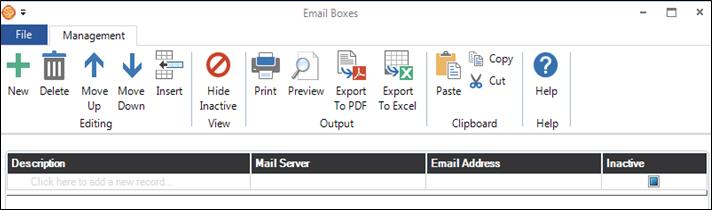
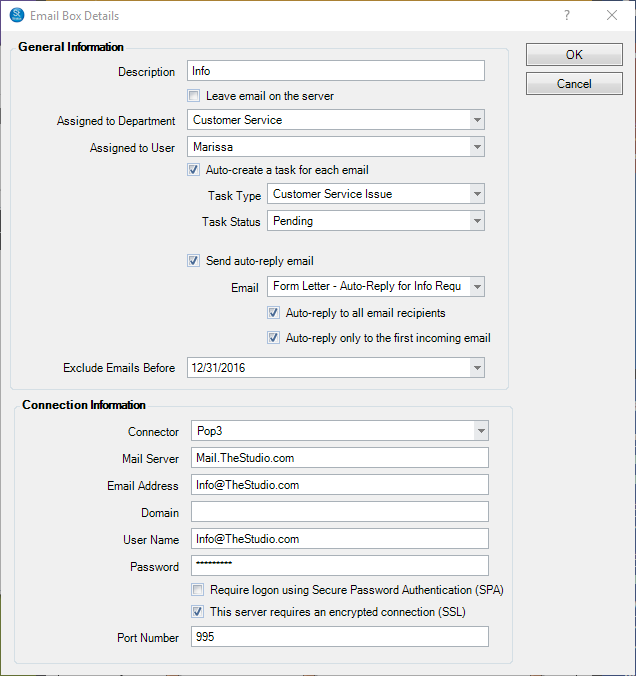
Email boxes are set up to receive incoming emails. These can be assigned to departments. For example, you can create a ‘Sales’ email box that would receive all incoming email for the sales department.
Use Email Boxes maintenance to create one or more email boxes. Go to Maintenance > Communication > Email Boxes. For detailed instructions on setting up email boxes and enabling incoming email, refer to Setting up Email.