#
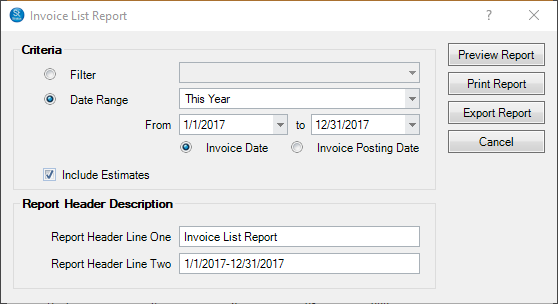
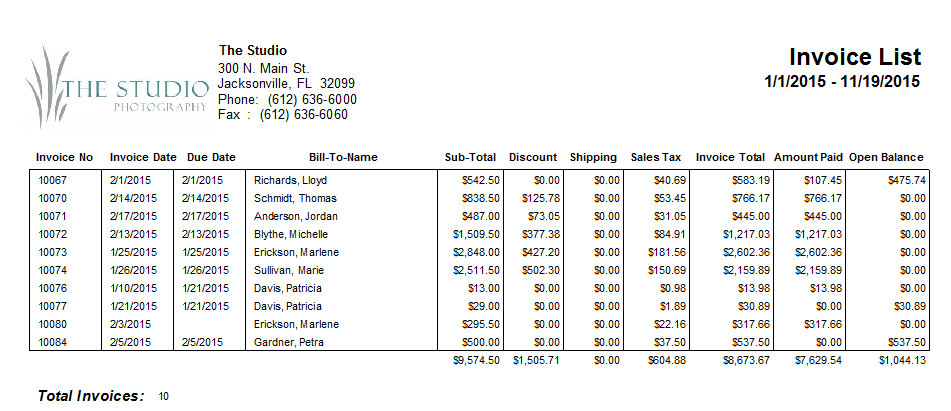
The Invoice List Report provides information for all invoices in a date range or a filter 
 . Totals are provided at the end of the report.
Printing an Invoice List #
#
-
Go to Reports > List and Labels > Invoice List.
-
Select either From for an invoice date range, or Use Filter to select a filter.
-
Select either your data range or the predefined filter from the drop-down list.
-
Enter the Report Header Description.
-
Then click Preview Report to see a preview.
-
You can print the report or export it.