
#
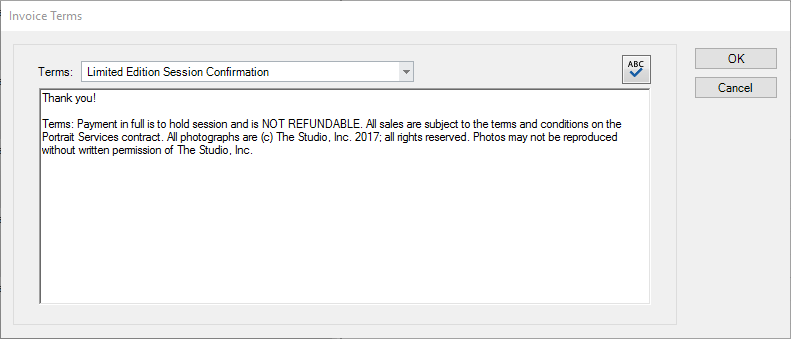
The customizable information that prints at the bottom of your invoices and session confirmations is called your invoice or session Terms. You can create unique terms for each of your session types, as well as for client-based invoices (invoices that do not have a session), and invoice estimates.
Follow these steps to set up terms for any of your invoices or session confirmations:
-
Go to Maintenance > Invoice > Invoice Terms.
-
Choose the invoice or session confirmation you want to modify from the drop-down list.
-
Type in the terms or copy and paste text from another program.
-
Click OK to save the current terms before modifying another set of terms.