
 Q: How can I transfer a credit balance from one invoice to another? #
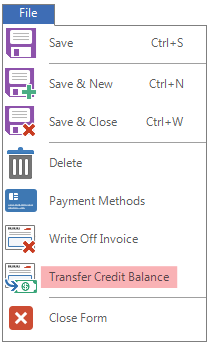
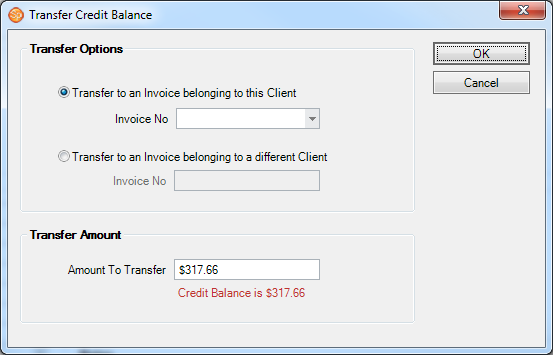
A: To transfer a credit from one invoice to another, open the invoice showing the credit balance. Click the File menu in the upper-left corner and select Transfer Credit Balance. You can transfer the balance to an invoice belonging to this client by selecting an invoice from the drop-down list, or you can transfer the balance to an invoice belonging to a different client by entering the invoice number.
Additional Resources #
+ Spectra Quick Reference (printable) 