
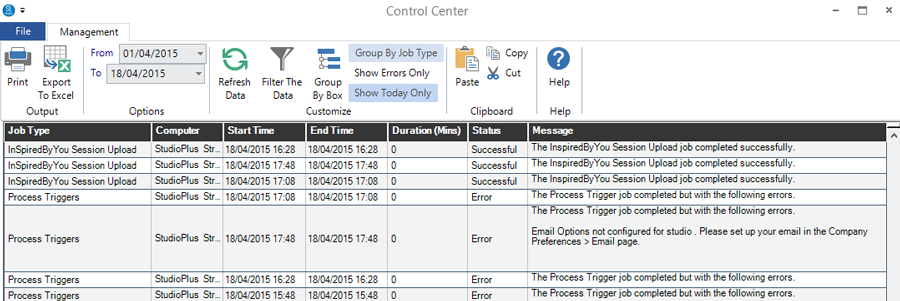
The software maintains 30 days of logs documenting the activity of your Control Center. These logs can be viewed from any workstation, including a corporate office. To view the logs, open the Utilities menu and click Control Center Logs.
HERE’S A FLASH FOR YOU!
Adjust the height of a line to see the complete message. Double-click the adjustment line to return the height to the default.