#
  |
NOTE: This feature is available in the Professional and Enterprise versions of Stratus Desktop. |
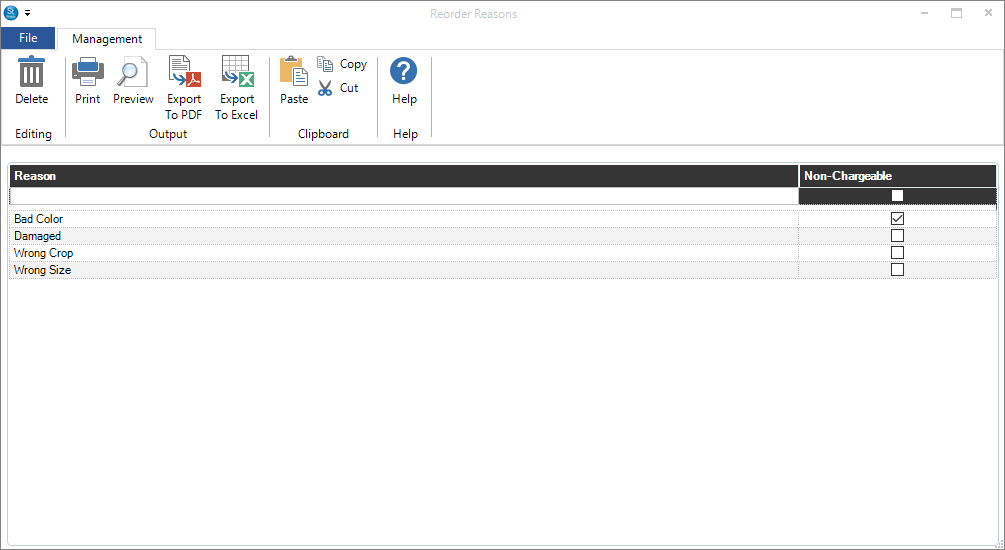
Reorder reasons can be used to track various reasons why a reorder is necessary. A reorder reason can be chosen when creating a production order. By using a Dashboard report, you can see what trends are causing an increased volume in reorders.
Set up reorder reasons to keep track of why an item is being reordered from your lab or another vendor. A reorder reason can be chargeable (i.e., a print was damaged in-house during production) or non-chargeable (i.e., the lab made a mistake or a product is defective). See also: Creating a Reorder
-
Go to Maintenance > Production > Reorder Reasons.
-
Enter a description of the reason. Press Enter to save the record.
-
Check the Non-Chargeable box if a reorder of this type should not be charged to your company.