
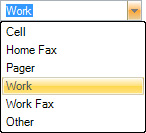
When you add phone numbers to a client in your database, you can choose from a list of possible phone number labels for each number (pictured below). That list of phone number labels can be customized by adding more labels or modifying the existing ones. Note: Changing the list of phone number labels will only affect those clients create AFTER the change is made. Phone number labels that have been selected on existing client records will not be affected.
Follow these steps to modify your phone number labels:
-
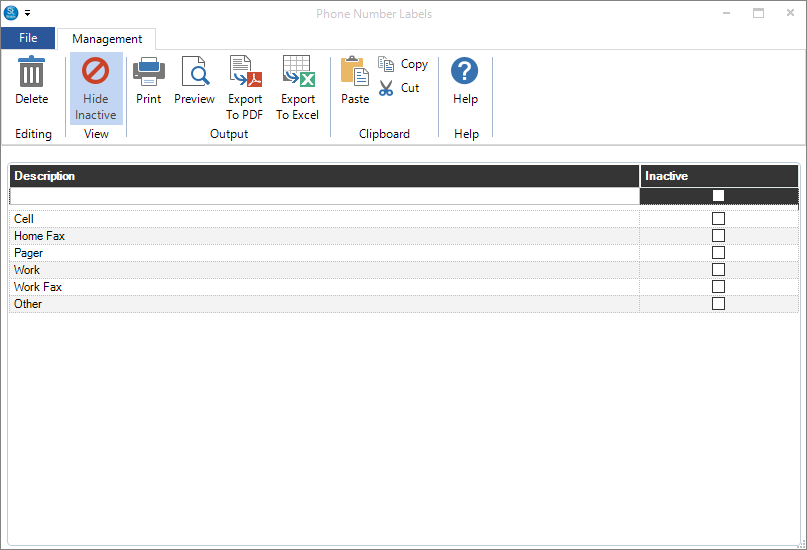
Go to Maintenance > Client > Phone Number Labels.
-
Type in the Description of the new label and press Enter.
-
Close the list when finished.