
   |
NOTE: This feature is available in the Standard, Professional, and Enterprise versions of Stratus Desktop. |
Marketing plans are a great way to inform your clients about promotional events and to keep track of their interests. Use the Communication Wizard to generate phone calls, emails, text messages, or even a mail merge for a specific marketing plan.
Setting up Marketing Plans #
Follow these steps to set up your list of marketing plans:
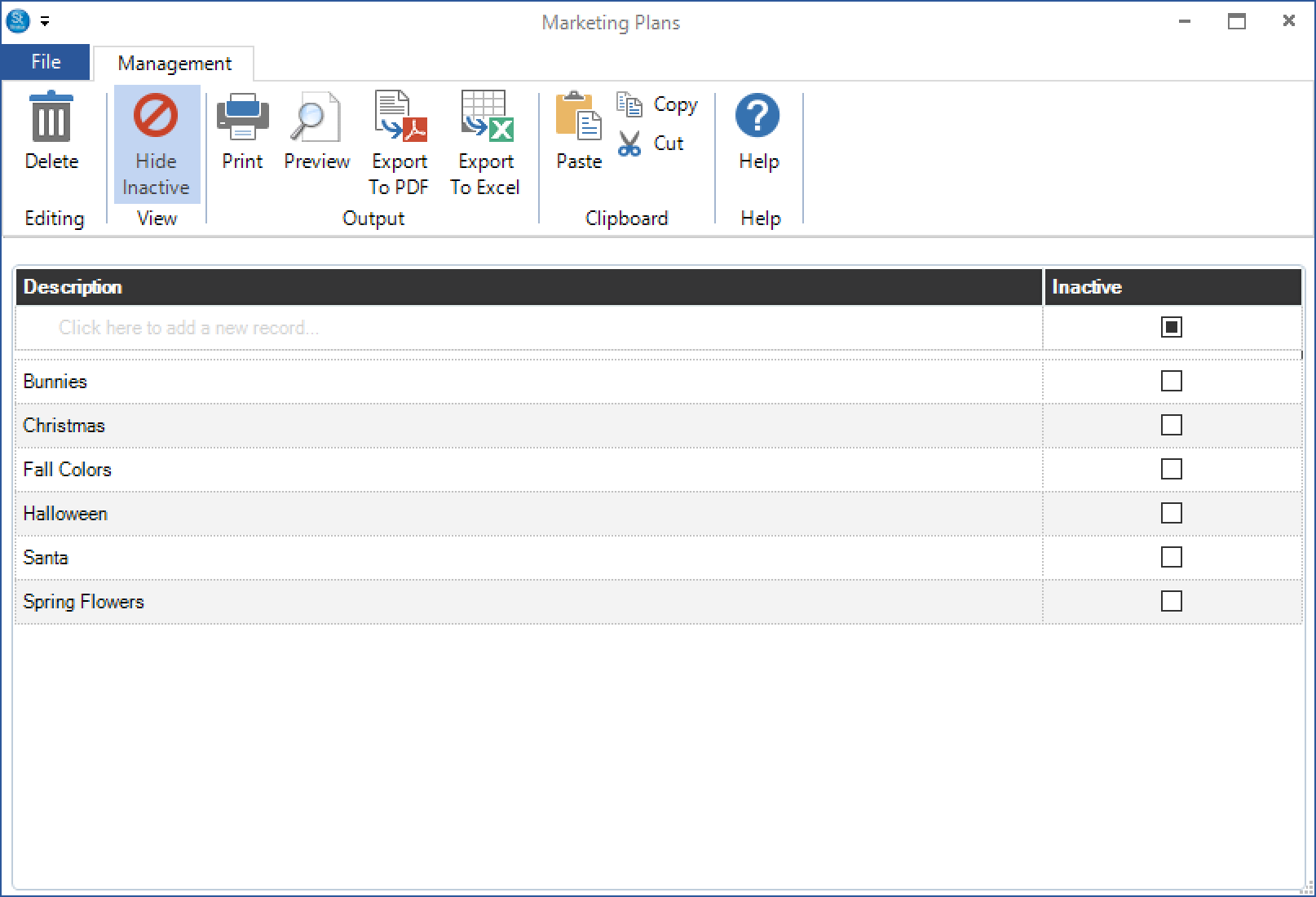
- Go to Maintenance > Client > Marketing Plans to open your marketing plan list.
-
Enter the name of a marketing plan and press Enter to save.
-
To make a marketing plan inactive, check the Inactive box.
Tools that use Marketing Plans #
Filters #
Use the Clients with Marketing Plans data type to create filters for sorting and reporting. See also: Filters
Client Lists and Labels #
Print a client list or set of labels based on a marketing plan. See also: Client Lists and Labels
Communication Wizard #
The Communication Wizard can easily send an email or text message to all the clients in a marketing plan. You can also use it to create phone calls or a mail merge. See also: Communication Wizard