
Follow these steps to refund a customer deposit:
-
Open the client and go to the Summary tab.
-
Find the deposit in the Financial Transactions list and double-click to open it.
-
Click Refund This Deposit on the ribbon.

-
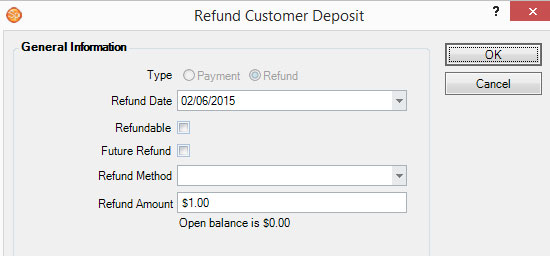
The Refund Customer Deposit window will open.
-
Complete the Refund Method and Amount.
-
Click OK when finished. The software will automatically create the refund and a $0 invoice. Both the original deposit and and refund will be applied to the new invoice so no deposits remain outstanding.