
  |
NOTE: This feature is available in the Professional and Enterprise versions of Stratus Desktop. |
The following tools are available from the ribbon in Finale.
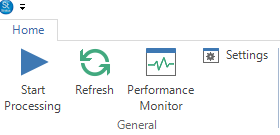
- Start Processing: Have Finale begin running all queued rendering and printing jobs. Select this option to start processing and de-select it to pause any jobs that are processing. Finale will show a bar at the bottom to indicate whether it’s processing or not. A green bar means the server is running and a red bar means it is stopped.
- Refresh: Refresh the Finale Rendering Server to bring over any render or print jobs that may have been added.
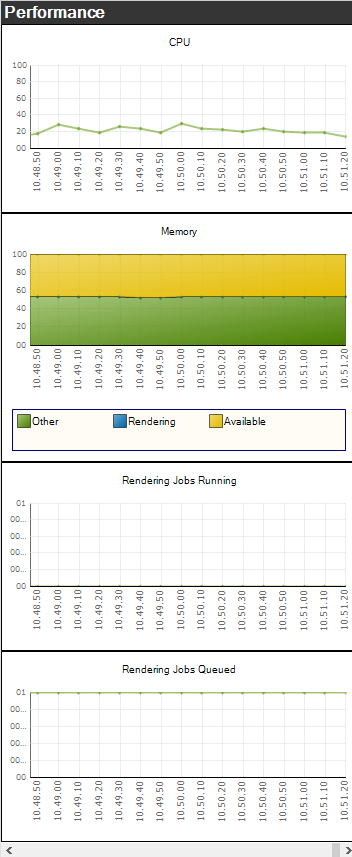
- Performance Monitor: Allows you to monitor performance of the computer running the render/print jobs.
- Settings: See Finale Settings for more info.