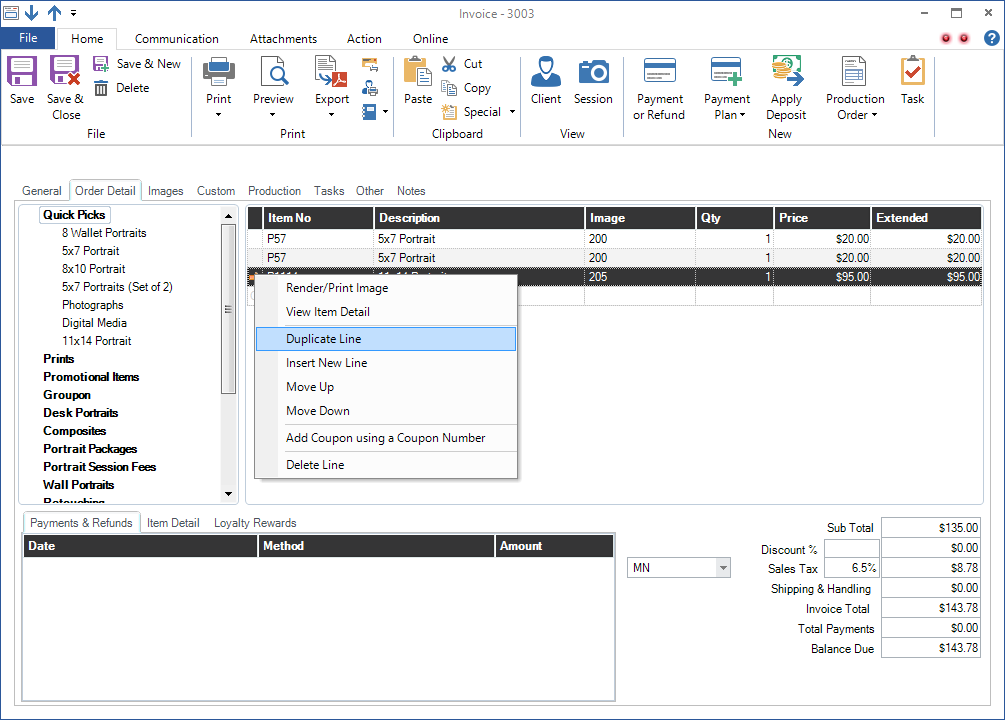
Follow these instructions to duplicate an individual line item on an invoice:
- Open the Order Detail tab of an invoice.
- ‘Right-click’ the line item to be duplicated.
- Select Duplicate Line from the pop-up. A copy of the line item will then be added to the bottom of the invoice.