
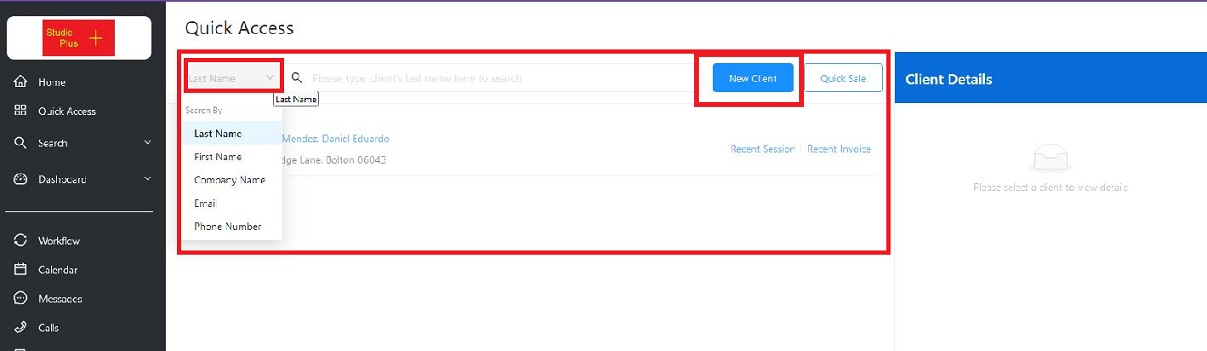
The Quick Access Hub is designed for ease of use, from the most basic user to the seasoned Stratus user. Quickly and easily find clients by a variety of common look-up fields, or create new ones from the Quick Access Hub.
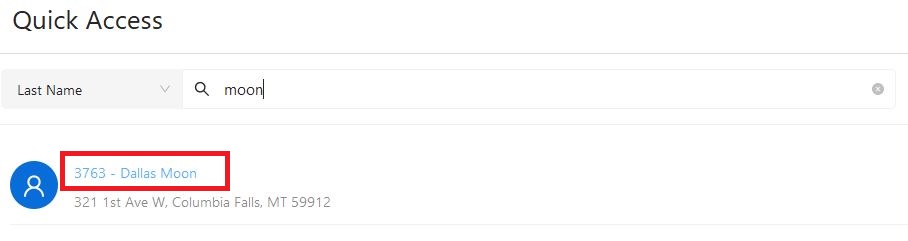
After locating the client by whatever field you selected, just click on the “link” to the record.
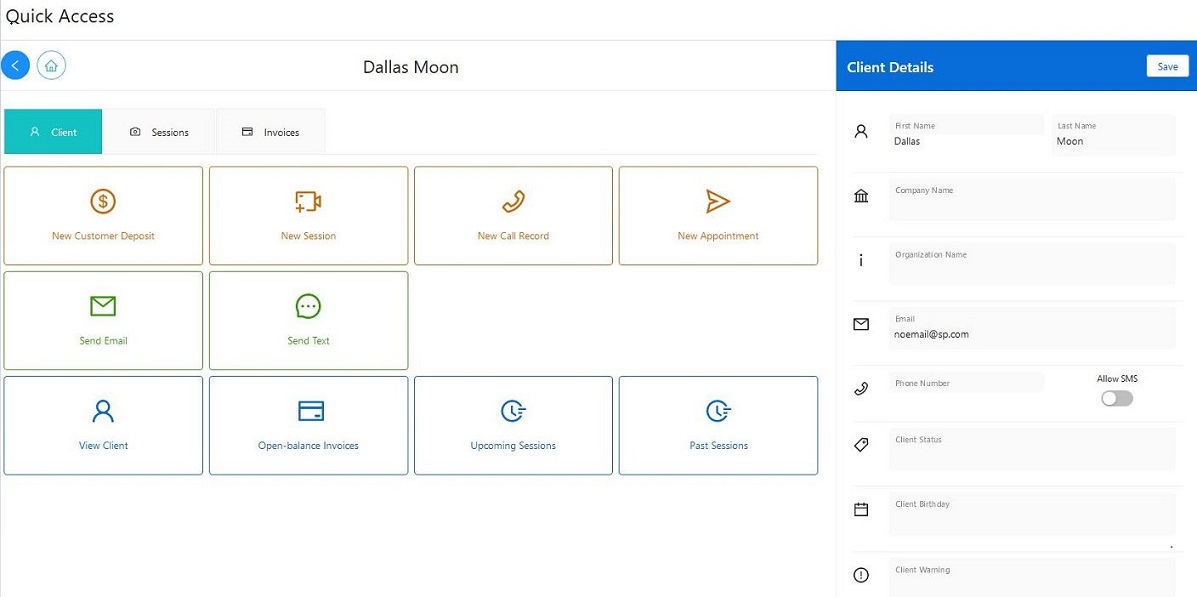
Here’s where you’ll find most of the actions you or your staff need to perform.
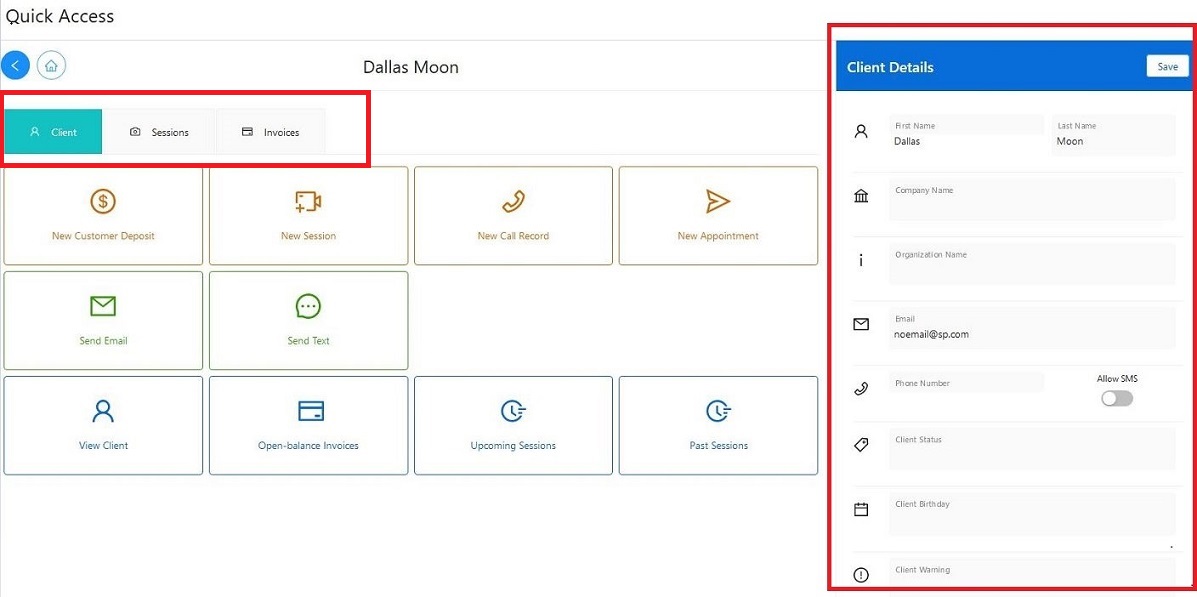
The Quick Access Hubs gives you the tools to manage, add, or view virtually every piece of the client record, Located at the top are the tabs you’ll use to select those tools.
On the right side of the Hub, view all the info typically used to validate a client. You can easily confirm with the client whether their Phone Number and/or Email Address is correct, and if necessary, quickly update that info.
If you require specific info on each of the tools found on this page, follow this link.