
   |
NOTE: This feature is available in the Essential, Professional, and Enterprise versions of both Spectra and Stratus Desktop. |
Use Wall Art Groups to organize the images in your Wall Art Library. See also: Wall Art Library and Using Wall Art
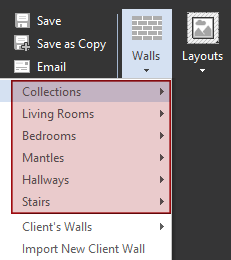
Creating Wall Art Groups #
-
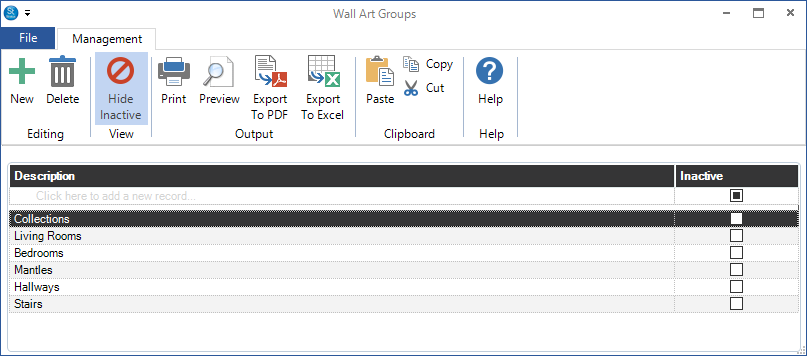
Go to Maintenance > Digital > Wall Art Groups.
-
Add a new group by typing the Description in the first line of the grid.
-
Close the window when finished.


