
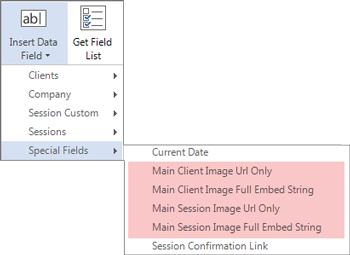
Adding an image to a client record can be helpful by giving you a visual reminder of who the client is. You can also add a unique image to each of a client’s sessions, giving you a quick view of their photography history with your studio. The main client image and main session image(s) are stored in your database and can be merged into HTML emails. Client images are also used when producing a pictorial directory. See also: HTML Email Builder and Pictorial Directory
Choose a Main Client Image #
Follow these steps to insert and change the client image:
-
Open the Clients hub.

-
Choose the client’s record and open it.
-
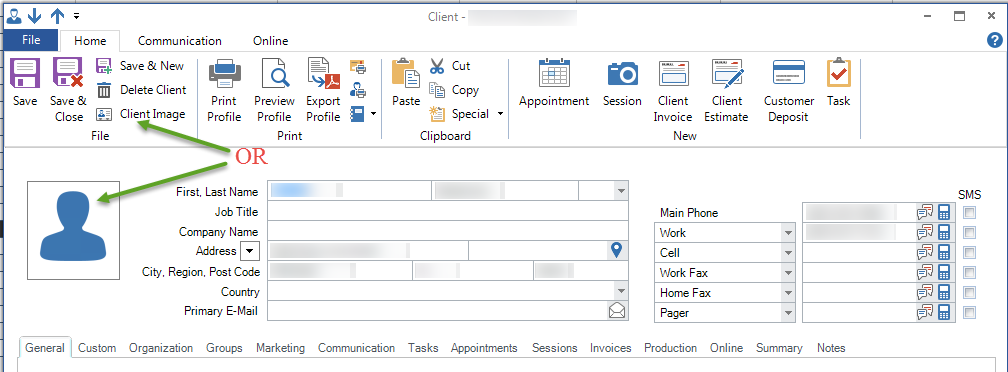
Click the picture icon to the left of the standard client information section or click Client Image on the ribbon.
-
Browse your computer for the location of the client image file.
-
Click Open to make that image the client image.
-
To change the image, click the image to reopen the file browser again and choose another image to open.
-
You can replace the image at any time with another.
See also: Personalize a Session Record with an Image


